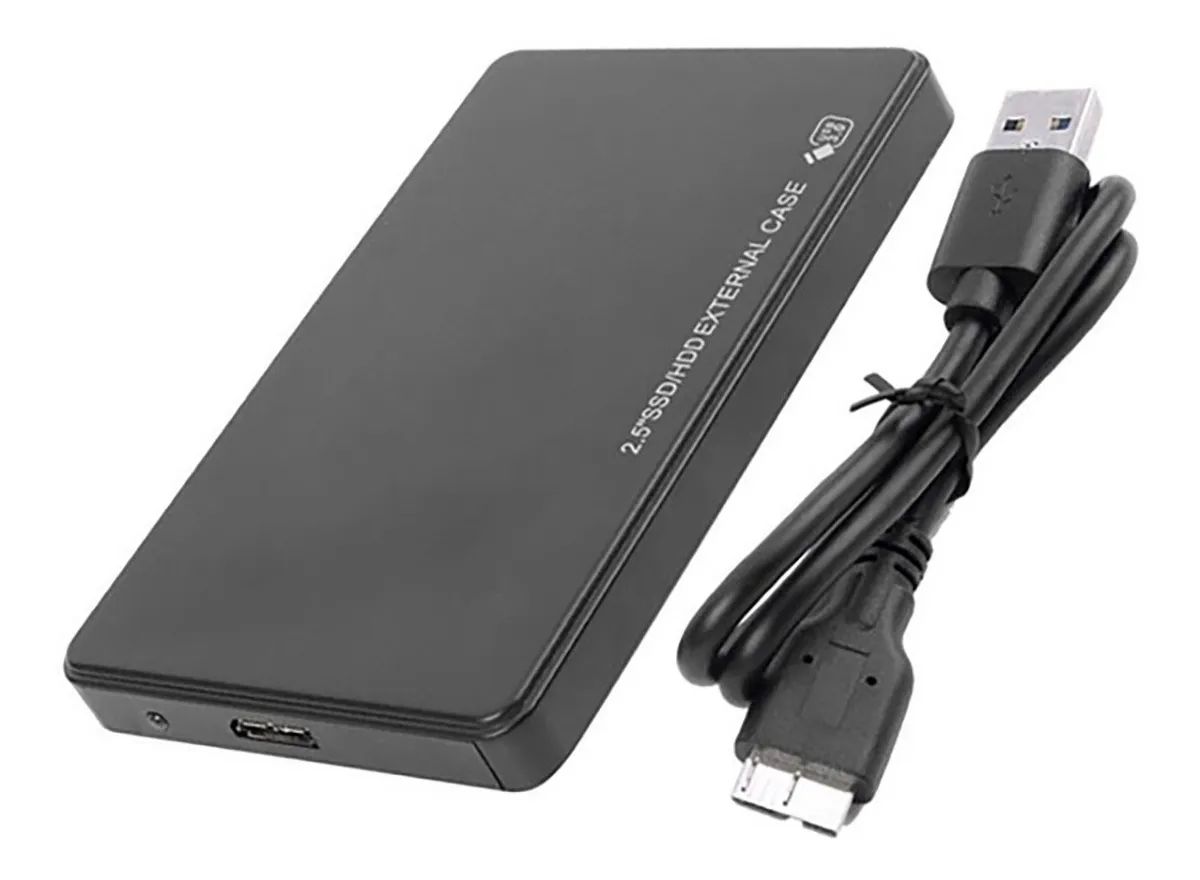
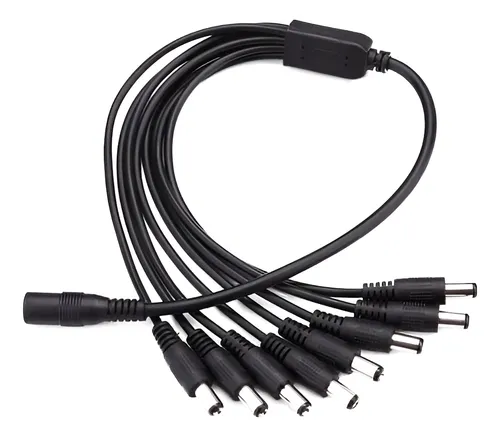
Before you scream at your screen, I am aware this setup isn’t ideal, to say the least, my Self-hosting has been composed of a laptop with a usb carry with a 2.5 1tb hard drive. I recent made up my mind about getting a couple 4 tb server hdd (heard barracuda are relatively silent) to run software raid 1, since I can’t find a budget double bay carry (that I can purchase locally) I’ve decided I’ll get a couple 3.5 inch usb cases and get a splitter to run the power from just just one brick.
My question is regarding resiliency, I get occasional blackouts and low tension every now and then, a few times a year but it can be a few times in a day. I’ve never had hardware dying because of it and I don’t have a UPS, but I worry I could be risking data corruption or something swapping to this setup because of the extra power those drives will need being fed from the wall instead of the laptop (the laptop feeds the current drive over usb alone and it has a battery) which could be abruptly cut off every now and then. Right now, the worst this has caused has been having to reboot the system because it got unmounted but never had a loss of data from this.
Am I worrying for nothing? Would it be just the same? Should I just put this off until (if) I can afford the drives plus a ups? So far I’ve had my server for basically free, but I’m running out of space for family photos and I kinda have to upgrade.
Edit: Thanks a lot for all the thoughtful responses! What I’ve learnt from them so far:
- ZFS (what’s used for software RAID) takes some extra memory and might not be the best idea for a memory constrained system.
- In this case of mirrored drives, it’s better to schedule backups than to try a flimsy raid array usb abomination, didn’t even think of that as an option
- Sudden power loss is likely to corrupt files
- Following the previous item, a UPS is more important than I thought, my laptop’s battery probably saved me from more corruption than I was aware of. I might have to prioritize that over the expansion.
Learned a lot so far, thank you all so much!
I run a setup very similar for many years. Upgraded progressively from 2x120GB to 4x4Tb, from mechanicals to sdds.
I can say don’t cheap out on the usb enclosures, the more you pay the better it is. I purchased a 4 bay JBOD usb3 box with a fan (150€+ nowadays) and that is the only enclosure that really worked out and still works (but retired) today. All single disk enclosures will fail sooner or later depending on how cheap they are, just take that onto consideration.
The setup itself is pretty good and stable, I would suggest standard Linux MDRaid 1, and on top of that something simple like ext4. I wouldn’t put anything that adds to the disk workloads like zfs, but maybe I am wrong.
Speed wise, I was able to stream movies without any hiccups, and that’s plenty I think.
Do not cheap out on the enclosures. Cheap ones will last 1 month, I don’t kid you.
And keep them cool… Fan… Air circulation… USB controllers will be killed faster than mechanical disks by heat. And 24/7 will generate heat… Those enclosures are not built for that…
Again, it’s pretty doable and I did it for almost 2 decades. DONT BE CHEAP ON ENCLOSURES (did I say so already?) And you should be fine.
You SHOULD NOT do software RAID with hard drives in separate external USB enclosures.
There will be absolutely no practical benefit to this setup, and it will just create risk of transcription errors between the mirrored drives due to any kind of problems with the USB connections, plus traffic overhead as the drives constantly update their mirroring. You will kill your USB controller, and/or the IO boards in the enclosures. It will be needlessly slow and not very fault-tolerant.
If this hardware setup is really your best option, what you should do is use 1 of the drives as the active primary for the server, and push backups to the other drive (with a properly configured backup application, not RAID mirroring). That way each drive is fully independent from the other, and the backup drive is not dependent on anything else. This will give you the best possible redundancy with this hardware.
USB enclosures tend to be less reliable compared to SATA in general but I think that is just FUD. It’s not like that’s particularly bad for software RAID compared to running with the enclosure without any RAID.
The main argument for not doing that is I believe mechanical: Having more moving parts mean things might, well, move, unseating cables and leading to janky connections and possibly resulting failure.
You will kill your USB controller, and/or the IO boards in the enclosures
wat.jpeg
Source: 10+ years of ZFS and mdadm RAID on USB-SATA adapters of varying dodginess in harsh environments. Of course errors happen (99% it’s either a jiggly cable, buggy firmware/driver, or your normal drive failure) but nothing close to what you speak of.
Your hardware is not going to become damaged from doing software RAID over USB.
That aside, the whole project of buying new 4TB HDDs for a laptop today just seems misguided. I know times are tight but JFC why not get either SSDs or bigger drives instead, or if nothing else at least a proper enclosure.
Acronyms, initialisms, abbreviations, contractions, and other phrases which expand to something larger, that I’ve seen in this thread:
Fewer Letters More Letters LVM (Linux) Logical Volume Manager for filesystem mapping NAS Network-Attached Storage RAID Redundant Array of Independent Disks for mass storage SATA Serial AT Attachment interface for mass storage SSD Solid State Drive mass storage ZFS Solaris/Linux filesystem focusing on data integrity
6 acronyms in this thread; the most compressed thread commented on today has 11 acronyms.
[Thread #996 for this comm, first seen 12th Jan 2026, 10:45] [FAQ] [Full list] [Contact] [Source code]
Get a used UPS and replace the battery (with a non genuine one), and use ZFS and you should be good. You could also replace the laptop battery though.
I suspect this machine might be memory constrained and if so zfs might push it to its limits if it’s already close.
If it has <8G and doesn’t already have decent headroom I’d think twice about ZFS depending on how its going to be used
Didn’t know about this, it is at 8 GB of ddr3, couldn’t find a bigger stick and it doesn’t have more than one slot. I’m updating the post to address other responses. Thanks
If you consider ZFS and don’t mind having the machine offline for a day or two you could fill it up with real (backups!) or a bunch of representative fake data and run some tests/benchmarks before you fully commit. It depends a lot on how the data is structured and what you’re running on it and it’s possible it will run fine.